This Article describes How to Onboard a device Using WiFi and Make as DHCP Server.
For Onboarding a device using WiFi we need to buy device with wiFi Module.
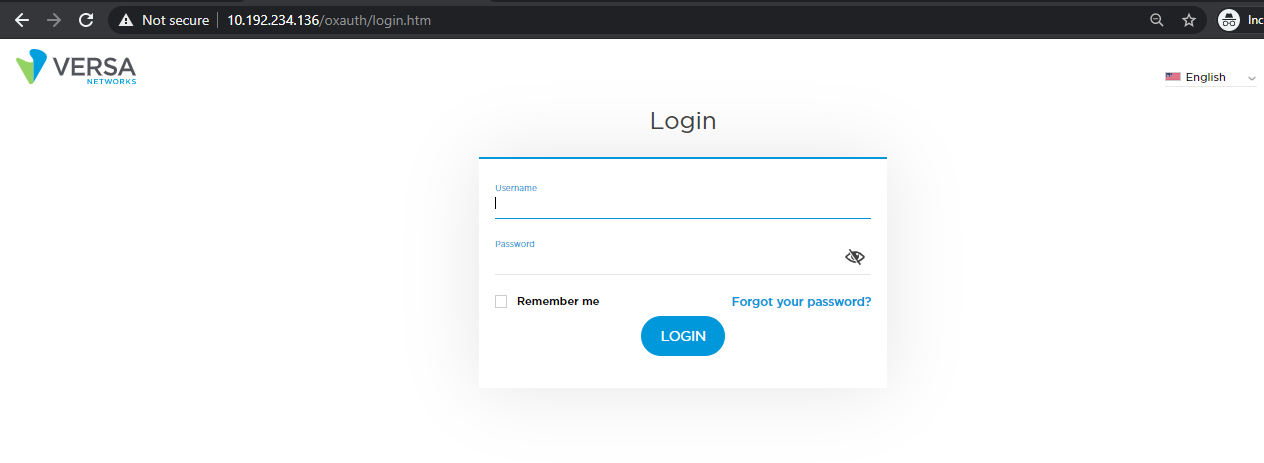
STEP:1 Login to the Dashboard using https://<HostIP>/dashboard
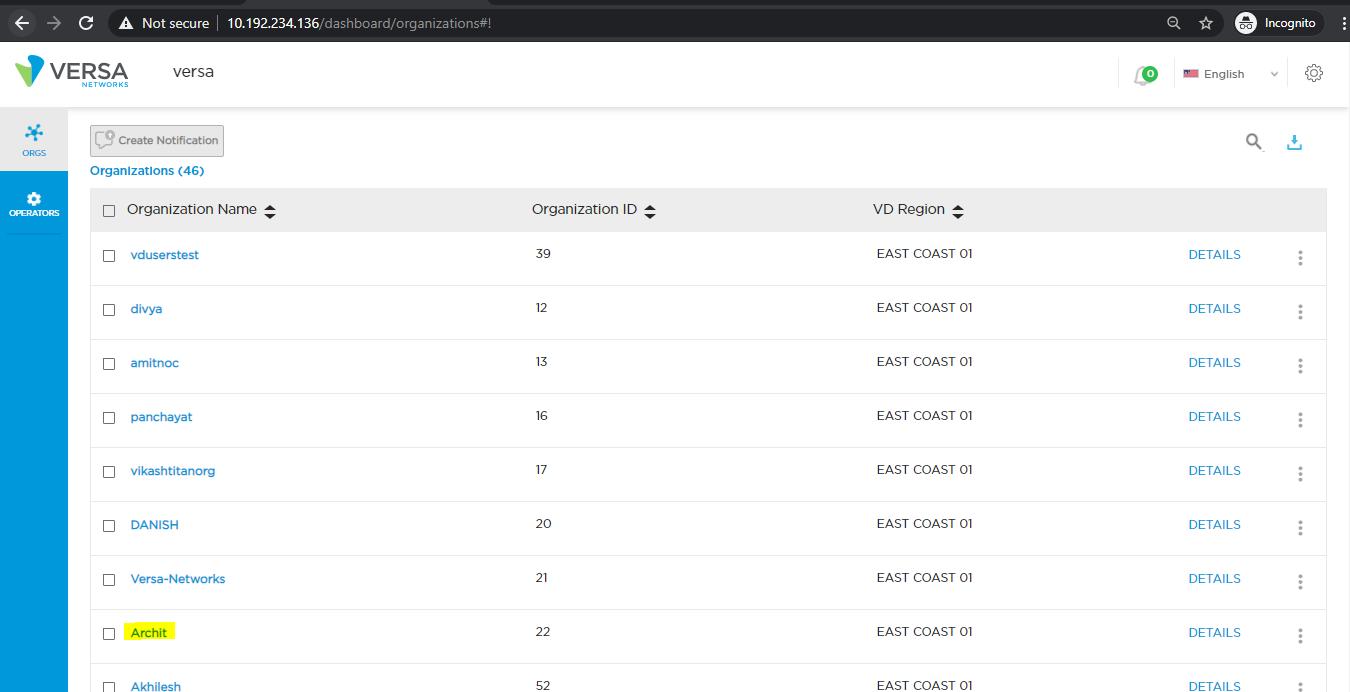
STEP:2 Go to Orgs and select the perspective Org.
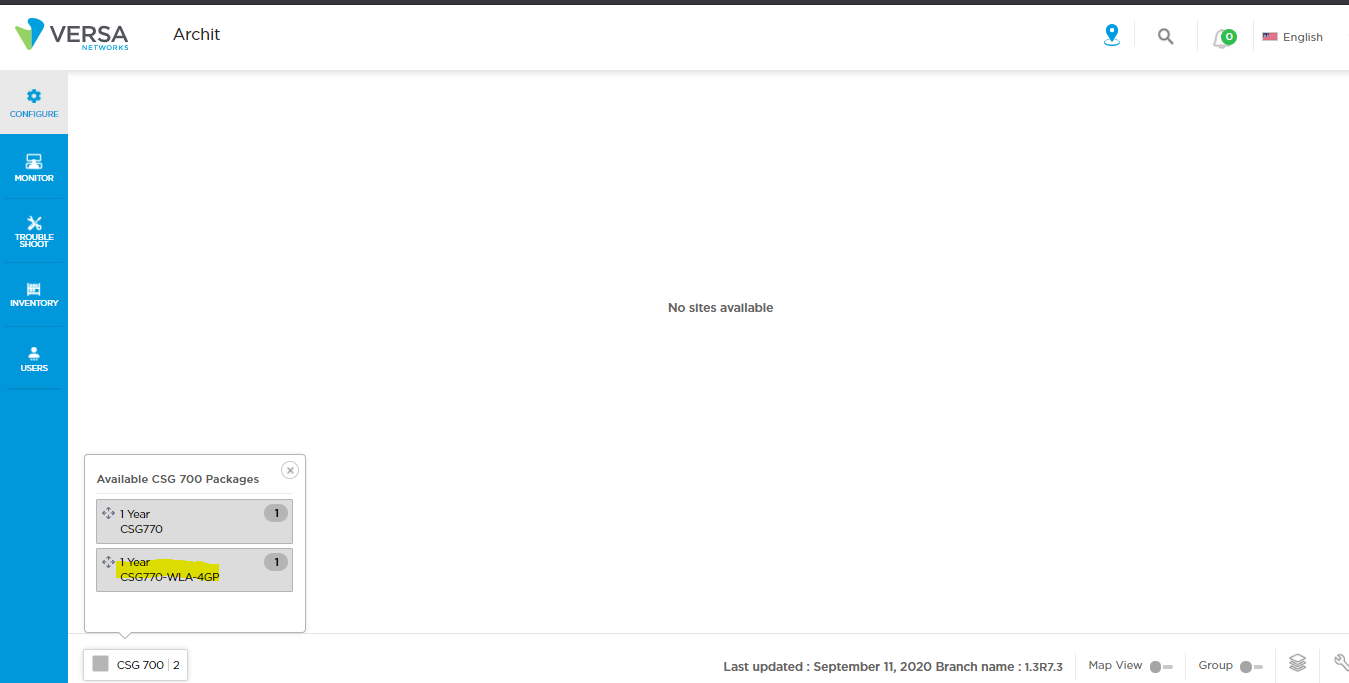
STEP:3 Select the device and drag it to the screen.
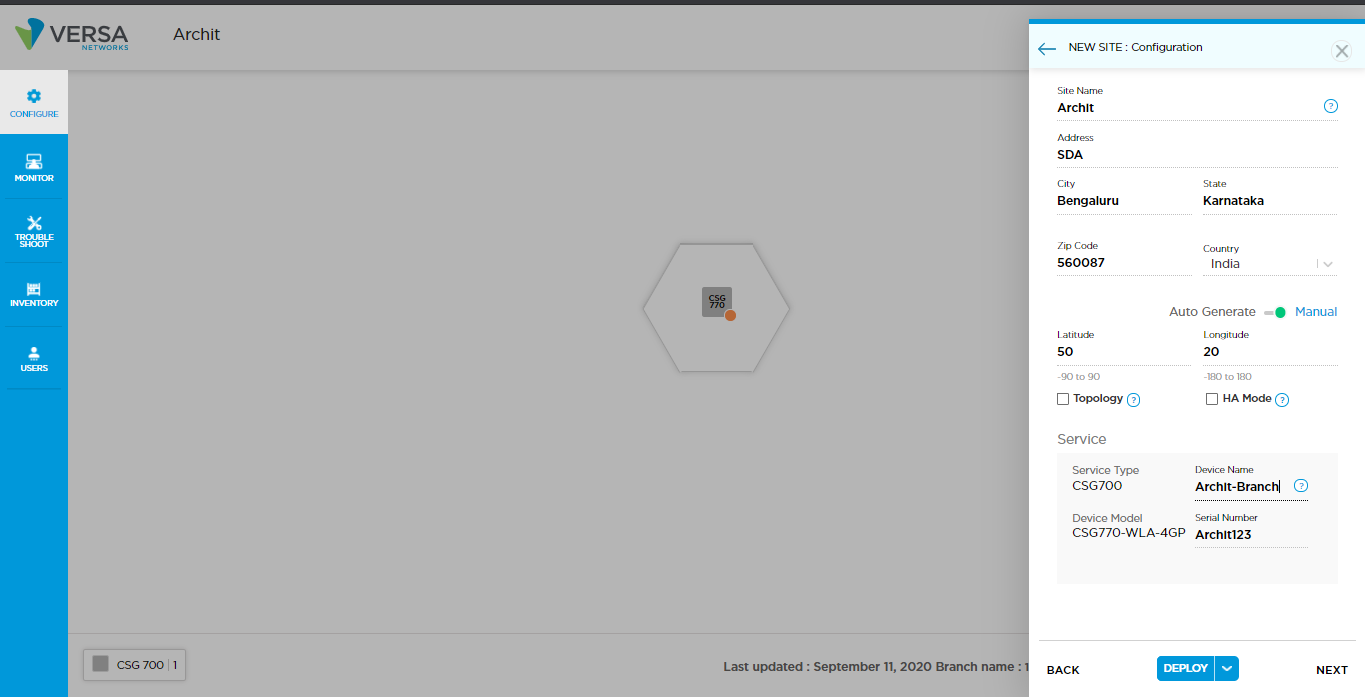
STEP:4 Fill in the required details and click on Next.
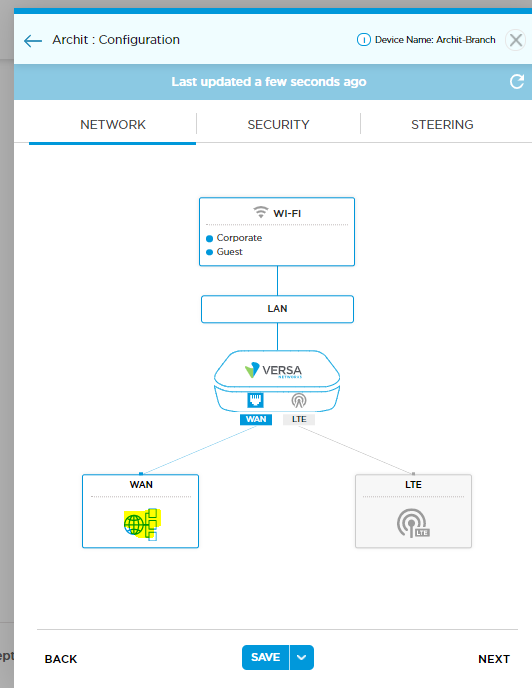
STEP:5 Click on WAN to configure WAN Interfaces.
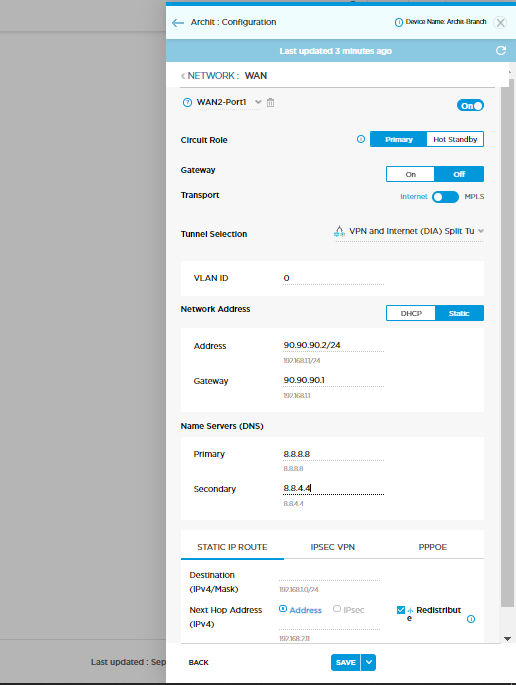
(a) Circuit Role - Select Primary/Standby
(b) Transport - Select the Transport which you want for traffic flow.
(c) Tunnel selection - Select the specific tunnel.
After configuring interfaces click on save.
STEP:6
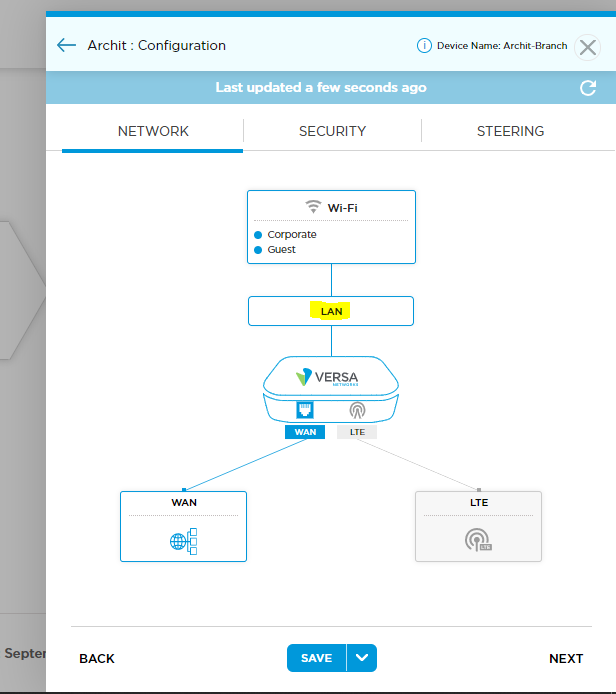
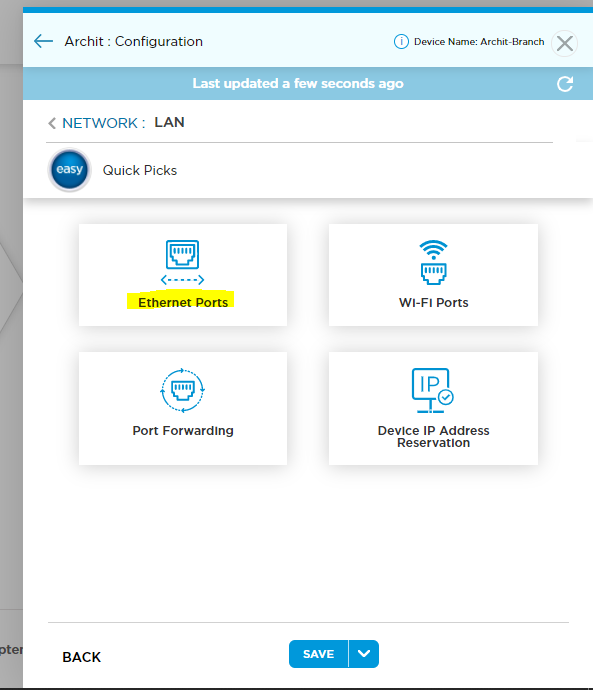
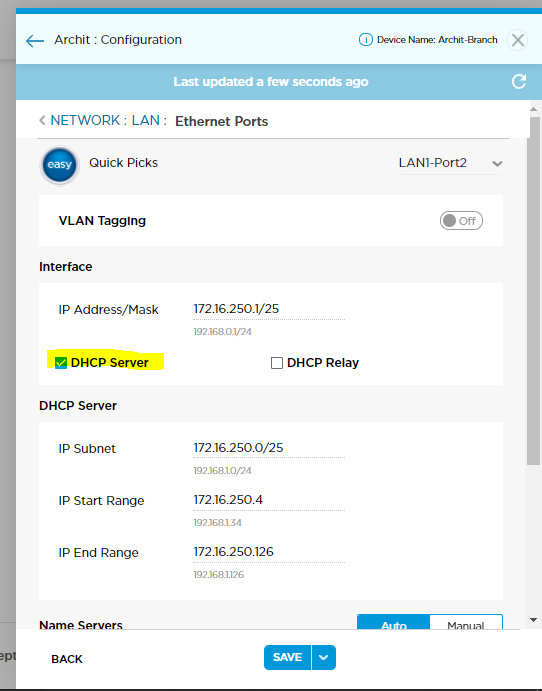
Now publish the config.