This Article describes how to Onboard Customer Org on TITAN Node.
Please follow the below process to Onboard customer Org in TITAN Node-
STEP:1 Login to the Reseller account from where to add the customer.
https://titan.versa-networks.com/shop/
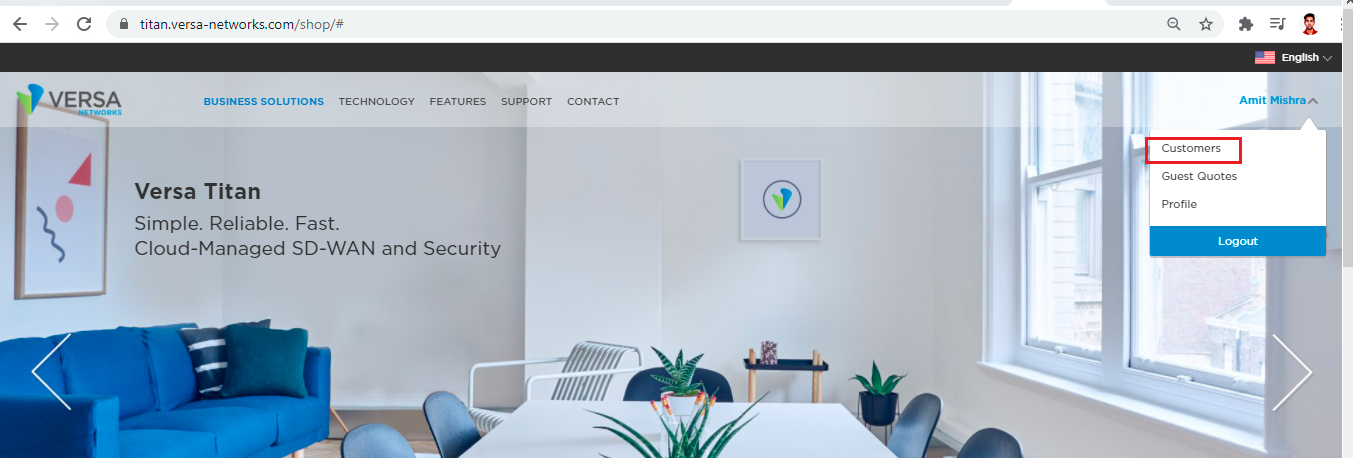
After logging in to Reseller account click on the Name of Reseller, from the Drop down select My Customers.
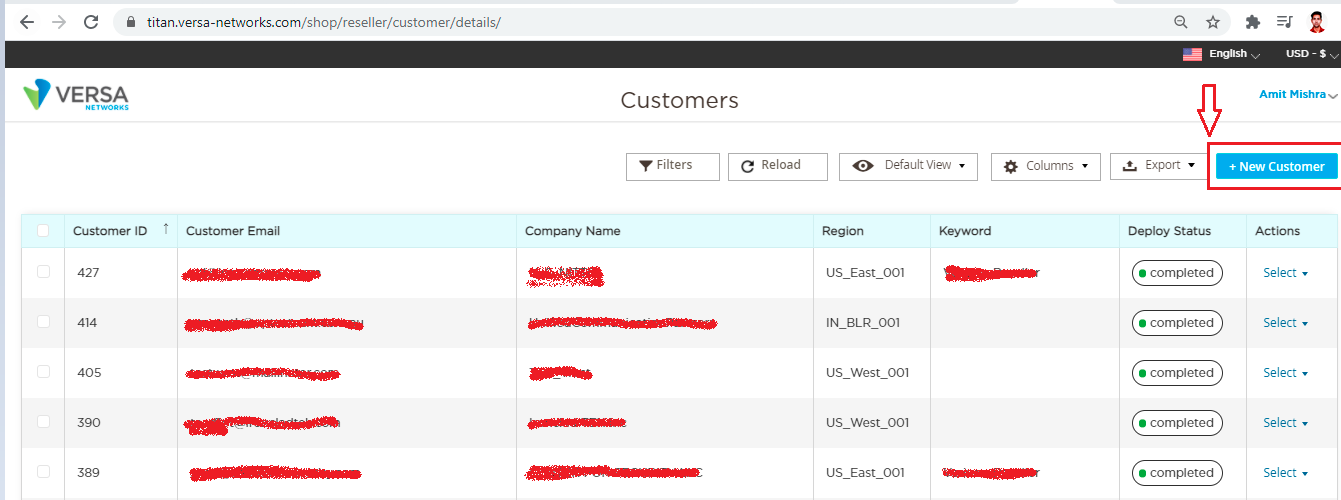
STEP:2 Click on New Customer and Add the details and click on save customer
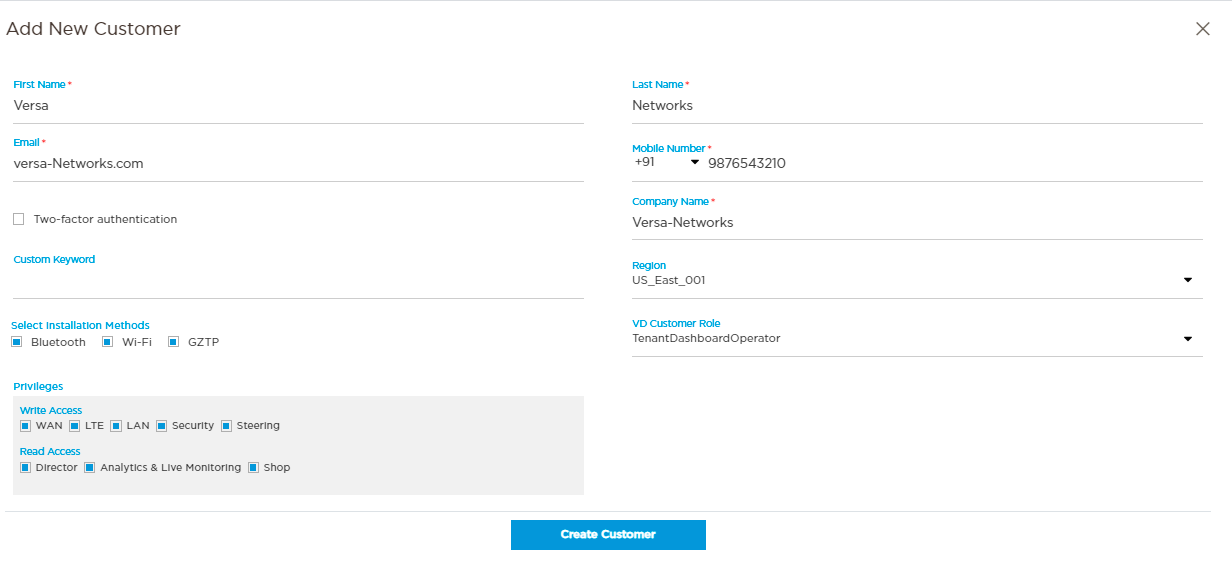
We need to fill the below details:
First Name - First Name of customer
Last Name - Last name of customer
Email - Email address of customer
Mobile Number - Mobile number of customer with country code
Company Name - Company name of customer
Region - where to Onboard the Customer Org ( TITAN - US-East/US-West/Frankfurt/Japan/BLR)
VD Customer Role - Is it Tenant Dashboard Operator, tenant System Admin, etc
Installation Method - WIFI, Bluetooth, GZTP or all 3 methods.
Privileges - Write Access and Read Access as per request.
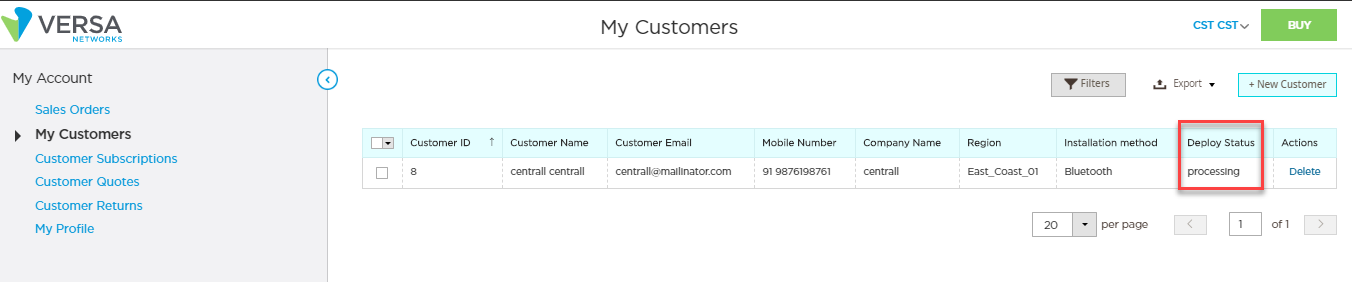
STEP:3 After the above step you will see the Deploy Status as Completed from Processing and a task will generate in Versa- Director and Tenant Org with the Customer Name will gets created in Versa-Director.

Post that we can purchase the Appliance for customer using below process.
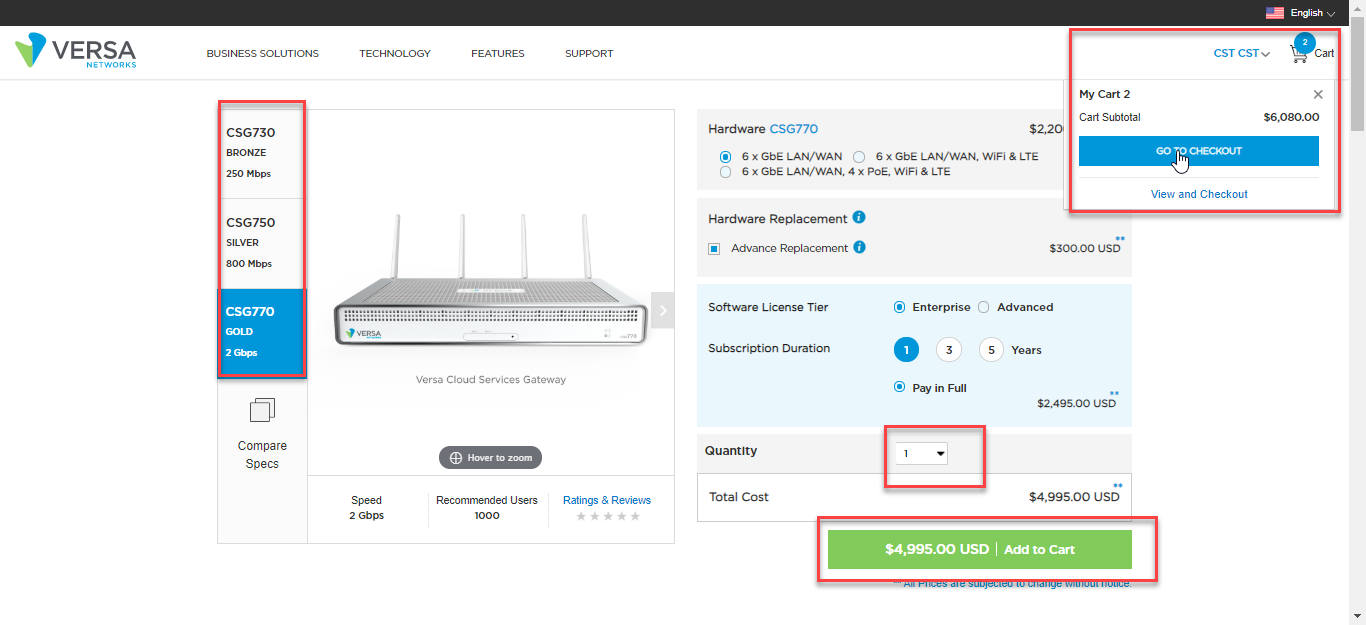
STEP:4 Open the customer account and Click on Buy > Select the Appliances as per the requirement > Cart > Go to checkout
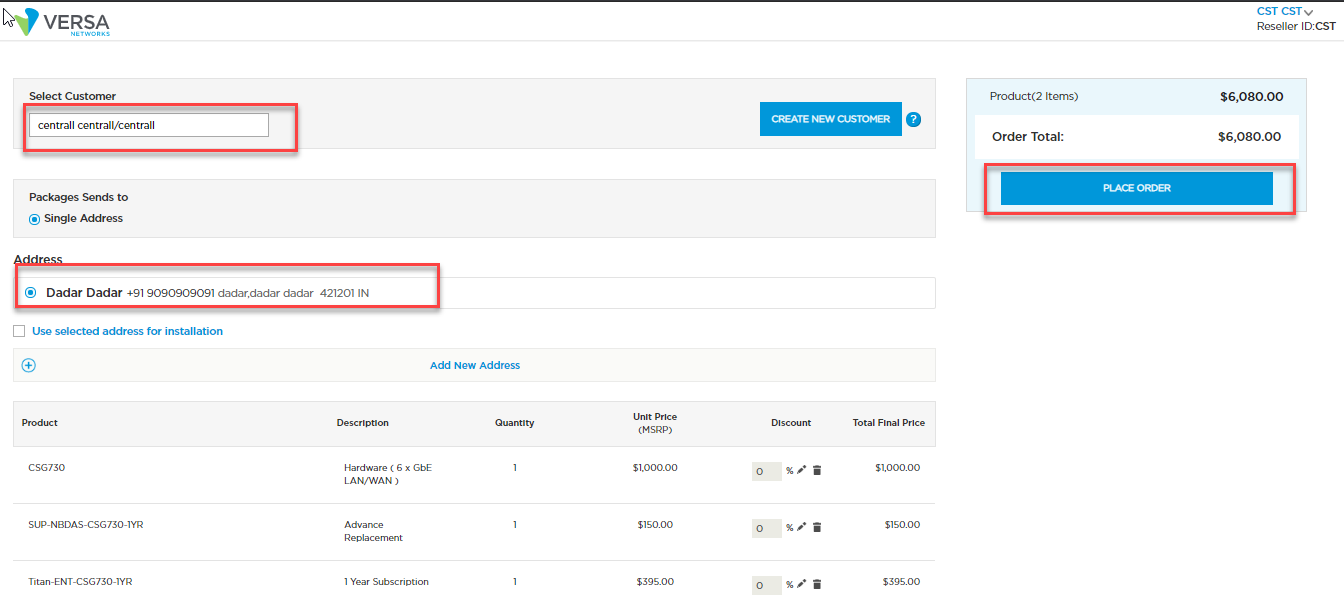
STEP:5 Select the Customer > Add the Installation address > Click on Place order
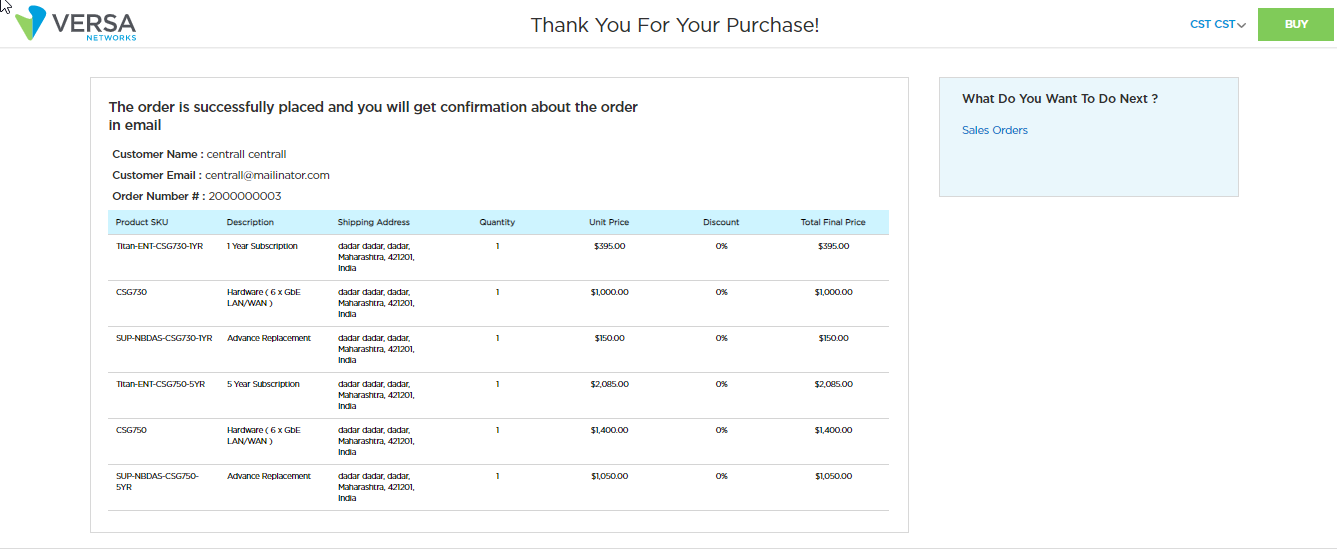
Now Purchase is completed
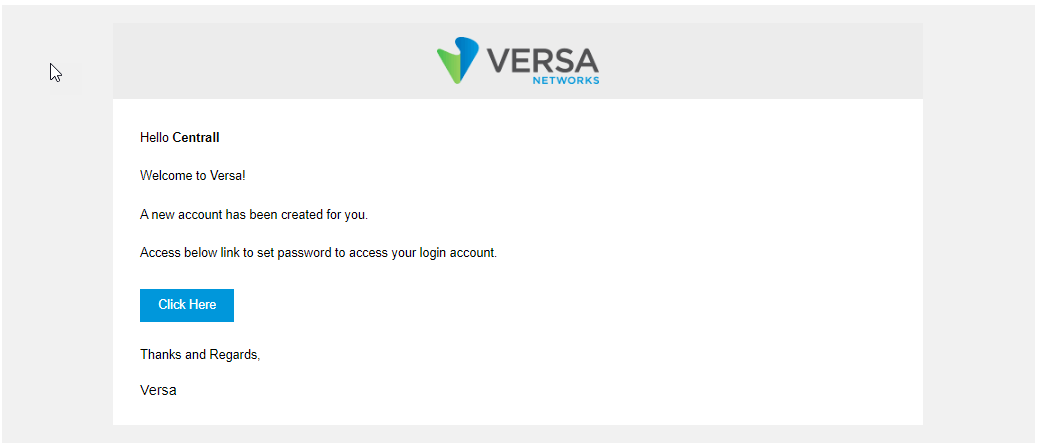
STEP:6 Once the account is created the Customer will receive a mail to reset the password
After this Step the Customer will be able to access the dashboard https://<HostIP>/dashboard
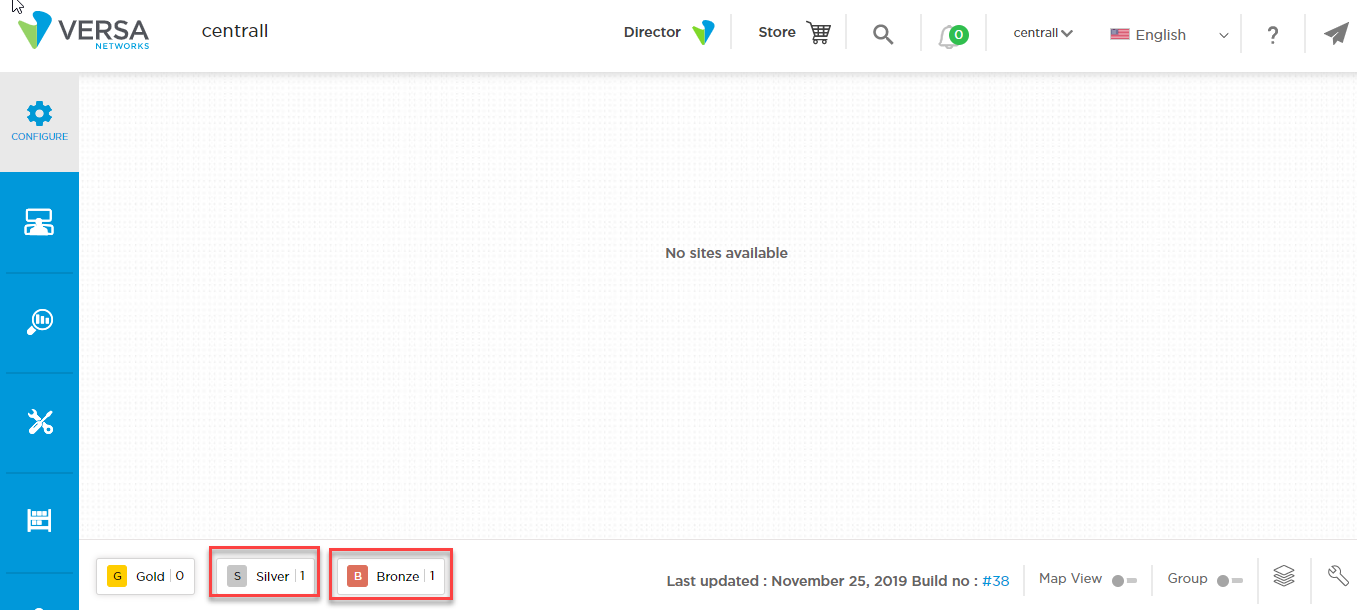
Under Configure, we will be able to see the Purchased Appliance