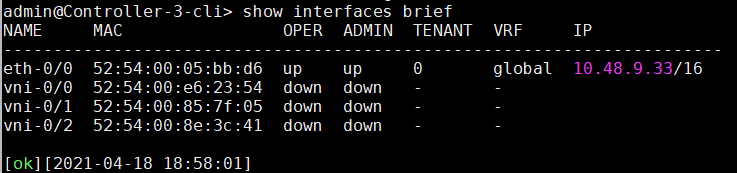
1. Create the appliance for the new Controller with a management IP (Follow this document for configuring management interface)
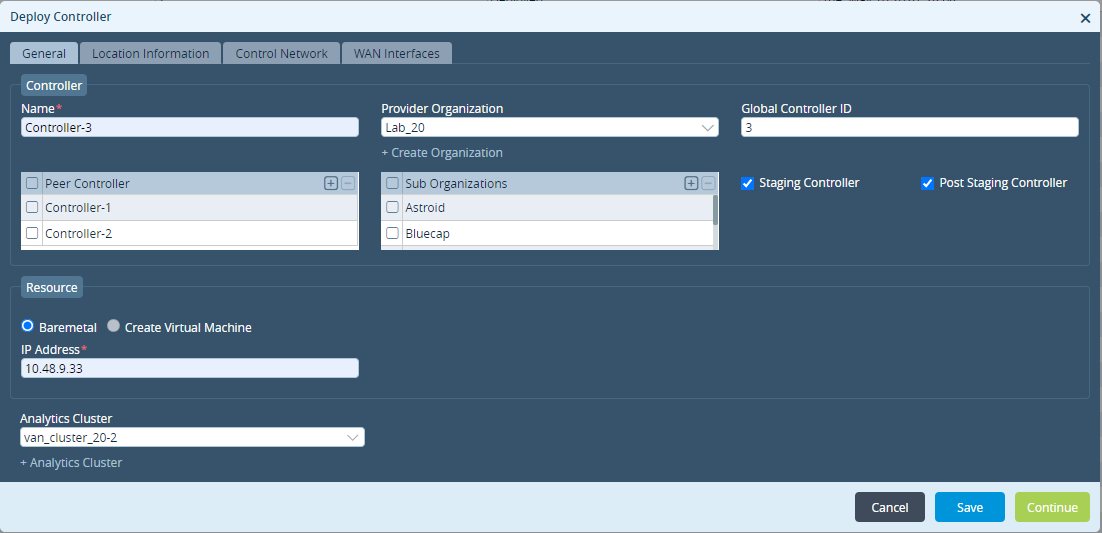
2. Create a workflow for the new Controller on the Director
- Select the proper parent Org.
- Select existing Controllers under the peer controller drop-down
- Select related sub-org's (If any).
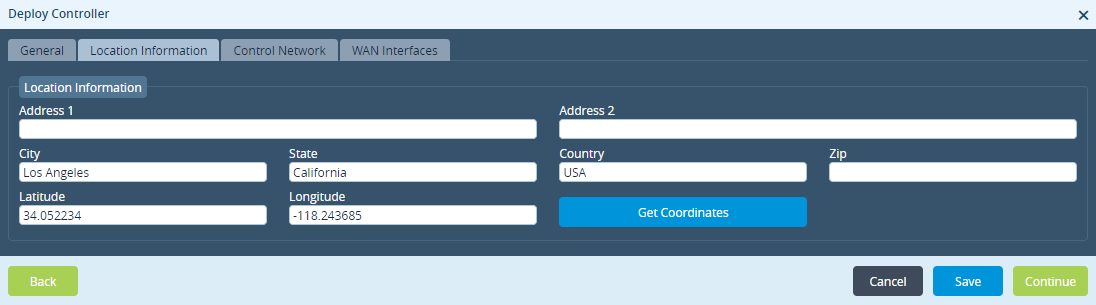
3. Select Location information
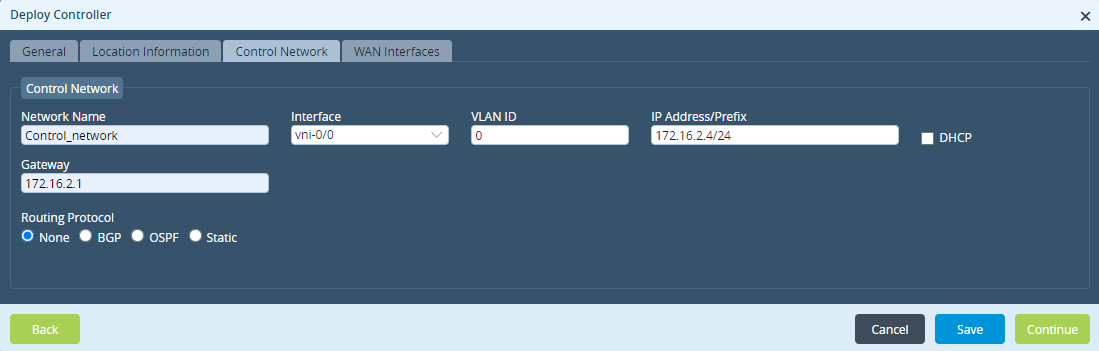
4. Add control network information for communication with Director and Analytics
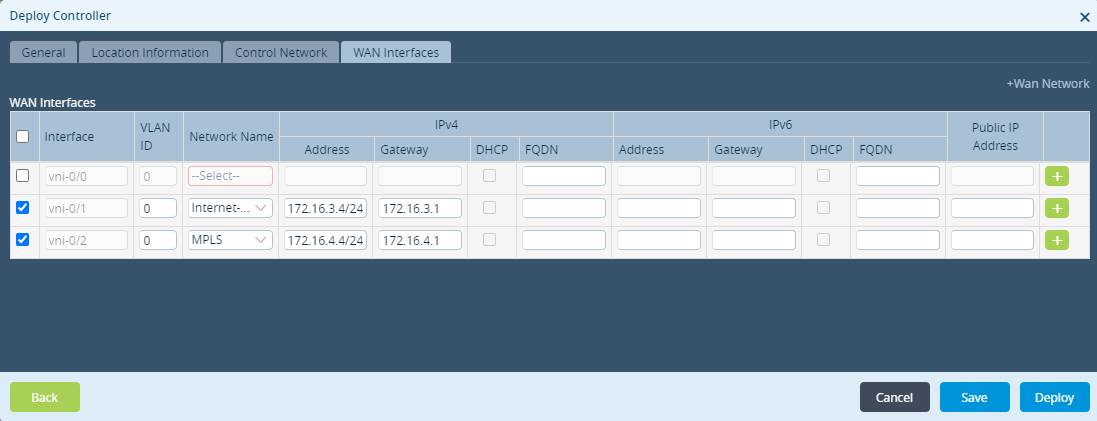
5. Add WAN networks to communicate with SD-WAN appliances and deploy workflow.
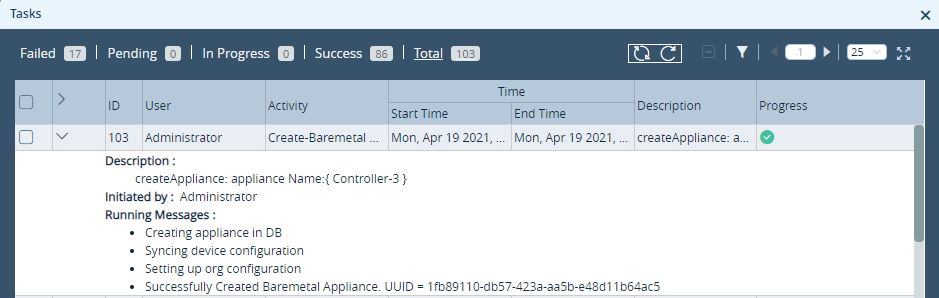
6. Confirm Director Task, and from Controller cli.
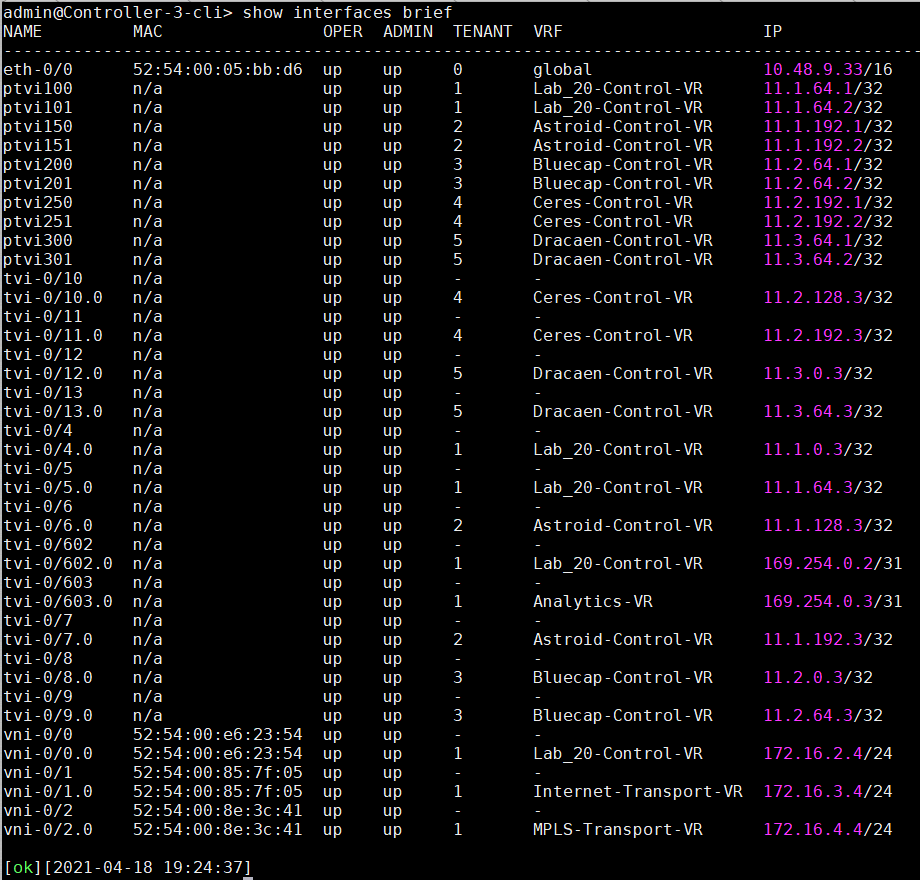
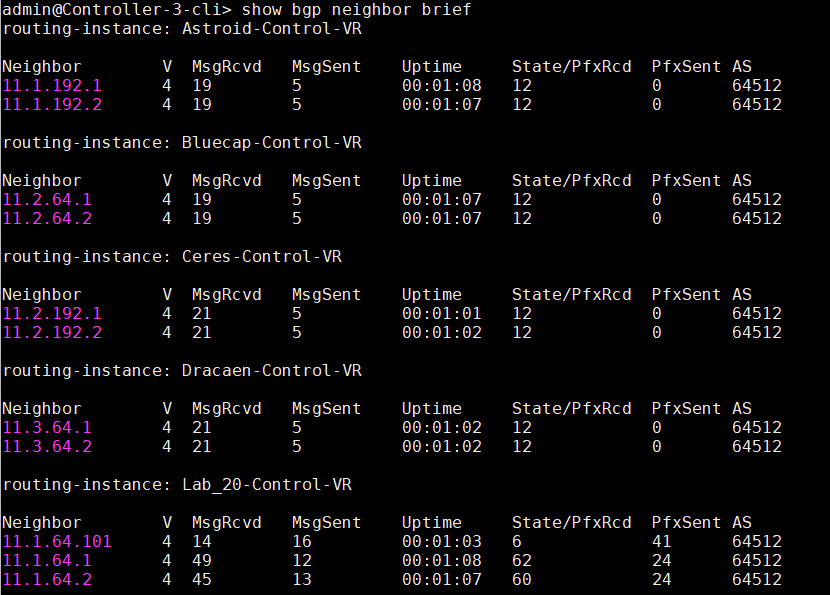
7. Verify BGP and IPsec connectivity towards other controllers.

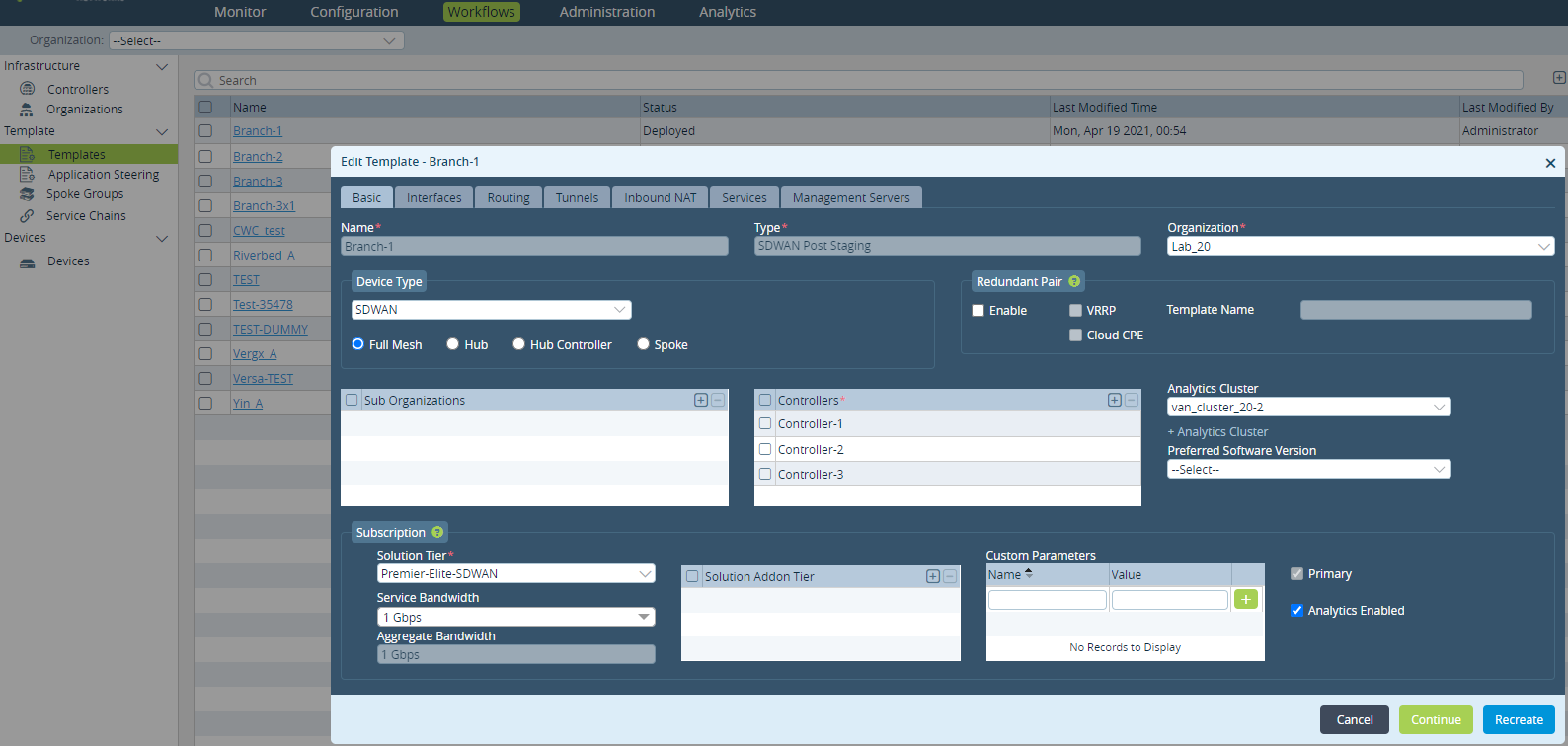
8. Deploy Workflow-Template, after adding the new Controller. [This is only if we need to add the new controllers to the existing Device Workflow].
9. Deploy Workflow-Device for the appliance.
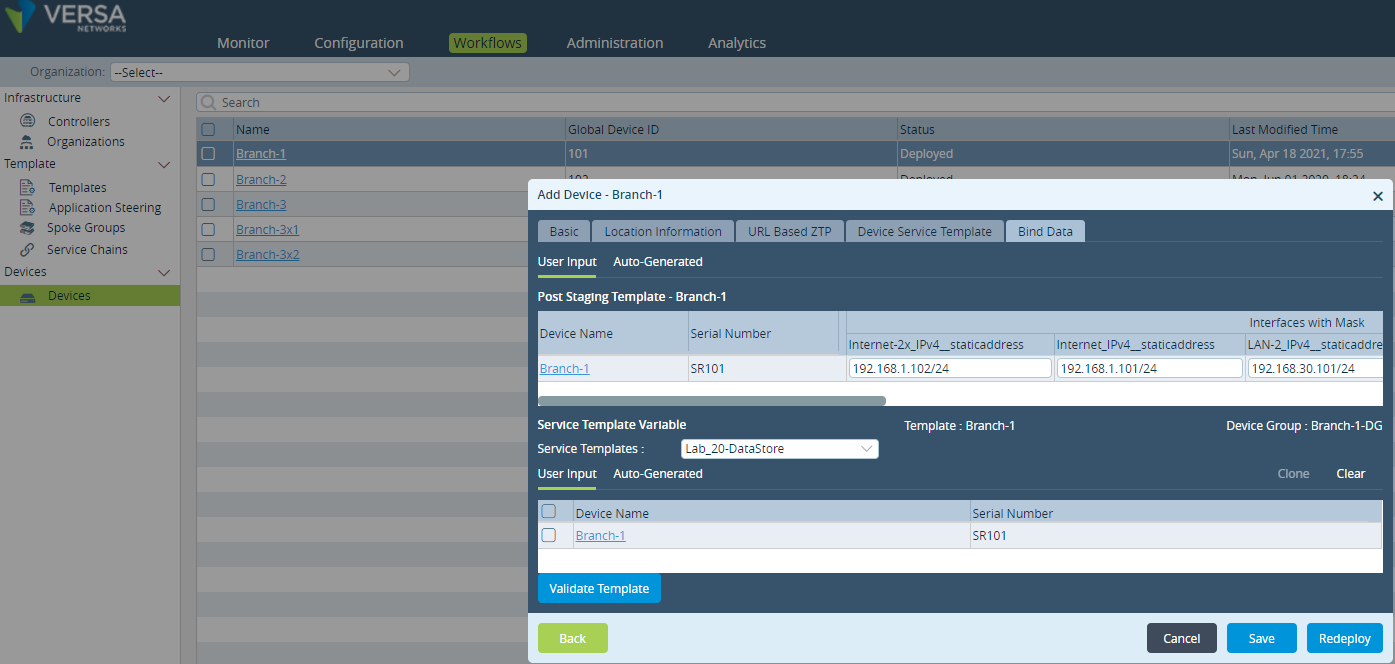
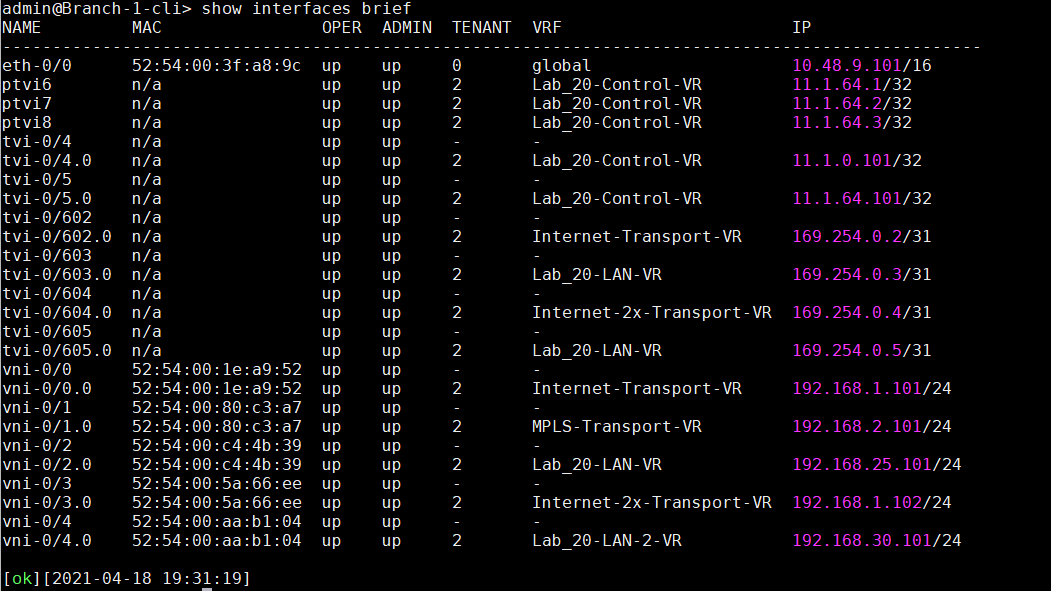
10. Commit Template to the SD-WAN appliances via Director UI. We can see from VOS cli, the ptvi towards the new Controller-3 is UP.