We can create new custom role via Analytics UI or CLI.
How to create a role via UI
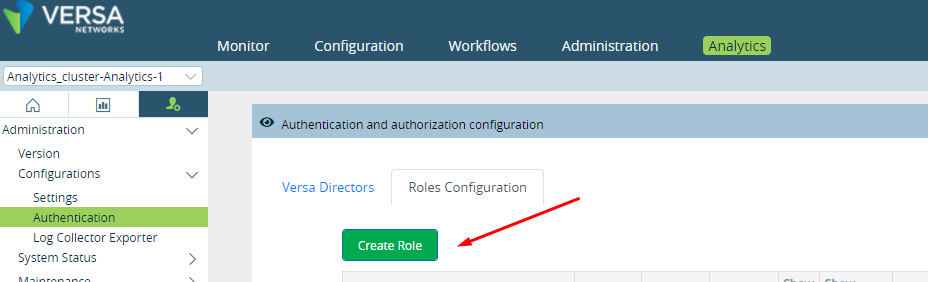
Go to : Administration > Configurations > Authentication > Roles configuration
Click on Create role
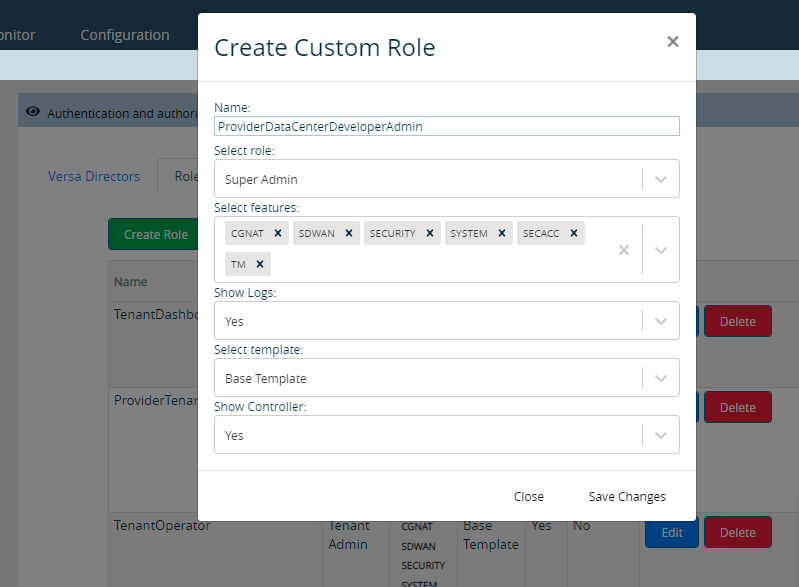
Provide the role name and relevant details and Click “Save Changes”
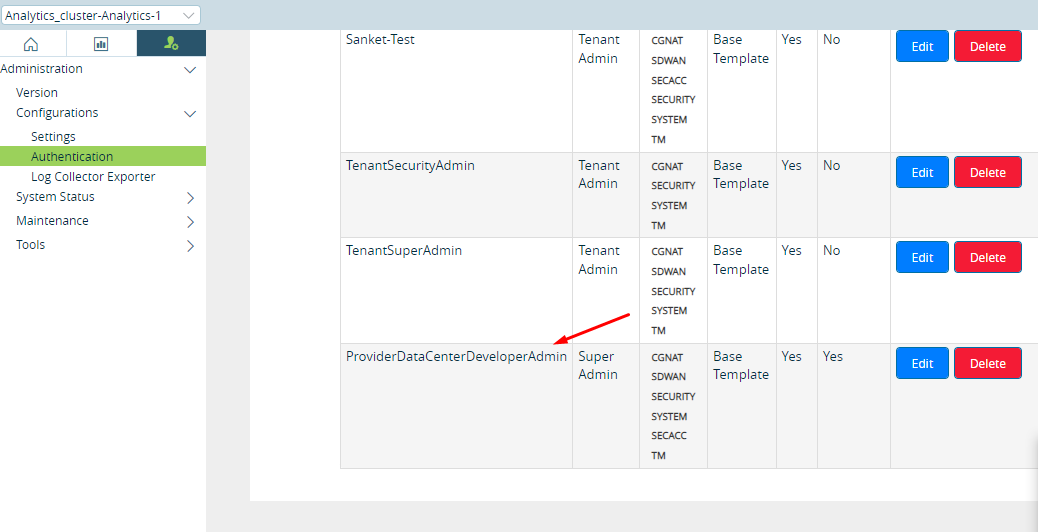
Please confirm if the role has been added
How to add role via the CLI
Login into on the of analytics nodes and go to Cassandra DB.
cqlsh -u cassandra -p cassandra
INSERT INTO van_system.user_roles (role, type, features, options) VALUES ('ProviderDataCenterDeveloperAdmin', 'ROLE_ADMIN', {'SECURITY', 'TM', 'CGNAT', 'SDWAN', 'SYSTEM', 'SECACC'}, {'showControllers': 1});
How to delete role via CLI
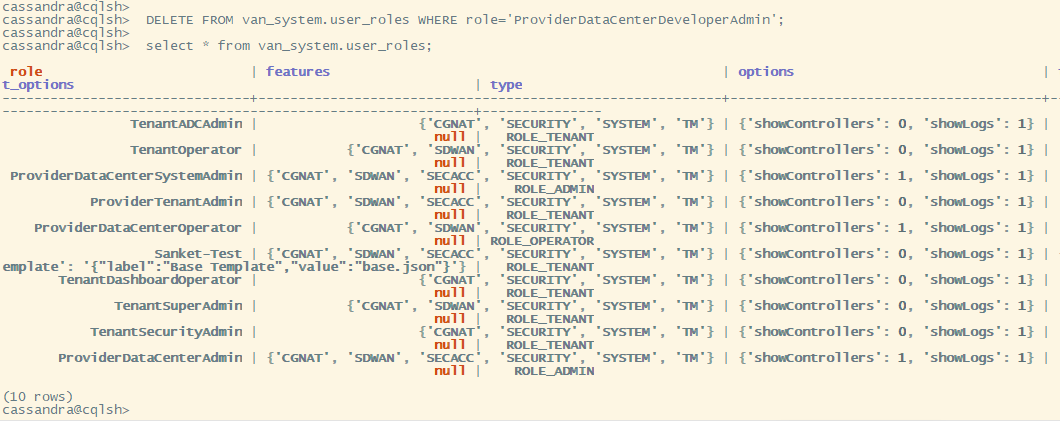
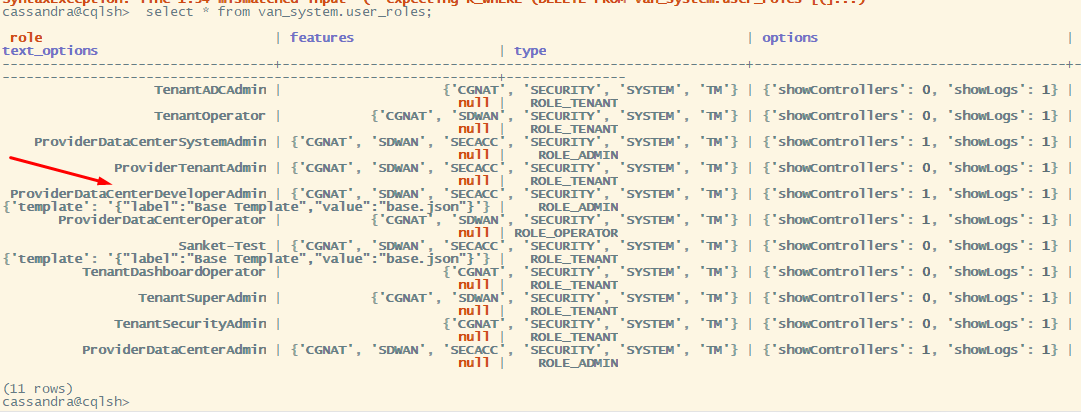
Verify if the role which need to be deleted is present in database.
select * from van_system.user_roles;
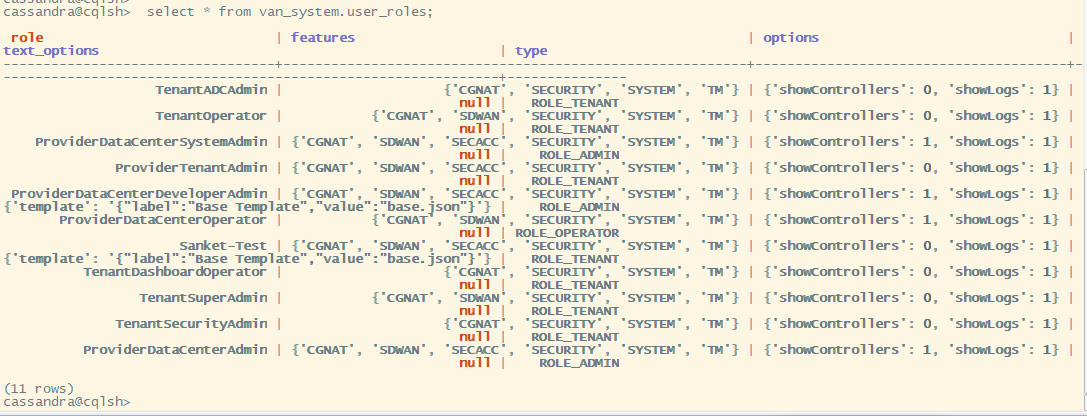
Execute below DELETE query to delete the role.
DELETE FROM van_system.user_roles WHERE role='ProviderDataCenterDeveloperAdmin';